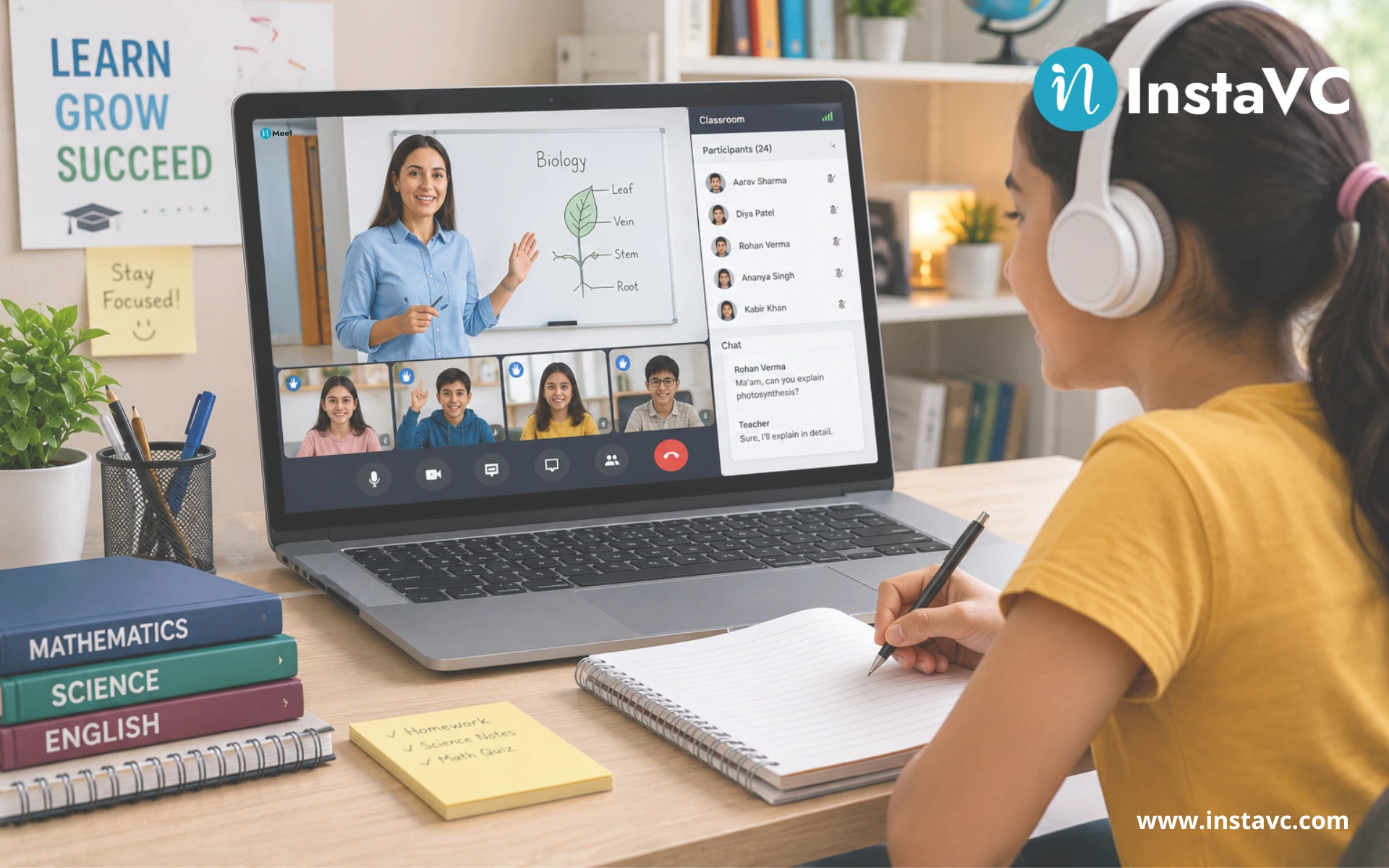
Classroom management software is a secure, cloud-based platform that allows educators to run live virtual lessons, monitor student attendance, share curriculum resources, and grade assignments from a single centralized web interface.
Table of Contents
- Core Features That Solve Modern Learning Challenges
- Comparing Hosting Options for Schools
- The Financial Advantage: Concurrent Licensing Explained
- High-Level Security Standards in EdTech
- Frequently Asked Questions
The Shift to Digital Classrooms
Imagine walking into a traditional school building. You see physical classrooms, administrative offices, and a quiet library. Modern education requires translating this entire physical building into a functional digital space. If you are learning about this type of technology for the first time, it helps to start with the core problem it solves.
Teachers today face a massive hurdle. They must keep remote students focused, engaged, and organized without sharing the same physical room. When students are scattered in different locations, staying organized becomes incredibly difficult. Physical classrooms naturally command a student’s attention. Digital classrooms require intentional software workflows to keep students from getting distracted.
Basic video calling tools are no longer enough. Standard video programs only offer a live video feed. They do not handle daily paperwork, student tracking, lesson materials, or grading workflows that a real school needs to survive. Because of this massive gap, specialized classroom management software is now a strict requirement for modern educators.
A true virtual classroom platform acts as a complete digital school. It replaces outdated physical limitations with a highly flexible online ecosystem. It gives administrators, teachers, and students their own dedicated portals to manage their daily responsibilities without confusion.
How the Ecosystem Operates: Three Core Portals
To understand this educational technology completely, you must look at how the daily school operations break down. A proper platform handles operations through three distinct user logins.
1. The Administrator Portal
Before a teacher even starts a live video call, an administrator must set up the digital school environment. This person logs in and creates a unique web domain for the school, such as “school.inclass.vc”. They build a master directory by importing teacher and student details. The administrator assigns specific teachers to specific grades and maps out the subjects. They can even make certain special classes invisible to the general student body if a small group needs private tutoring.
2. The Teacher Portal
Teachers log into their own dashboard to see the exact classes and subjects the admin assigned to them. They can schedule recurring live sessions for their students. Inside their subject folders, teachers create lesson topics and upload materials like PDFs, videos, or presentation files for students to study.
3.The Student Portal
Students use the school’s unique web domain to log into their personal dashboard. Their homepage shows their daily attendance ratio, recent topics covered, and any pending homework. When it is time for class, the student simply clicks a link to join the live session securely.
Skip the manual work and Generate Leads automatically. Try our tool for free.
Core Features That Solve Modern Learning Challenges
Not all software options are built the same way. A reliable platform combines smooth video communication with deep administrative tools. Here is exactly what school leaders look for when choosing a solution:
- Bulk Directory Imports: Administrators can upload massive lists of students quickly using a simple Excel spreadsheet instead of typing names one by one.
- Interactive Whiteboards: The platform includes live drawing and annotation tools. This makes a remote math or science lecture feel as interactive as an in-person class.
- Multi-Camera Feeds: A teacher can connect up to four physical cameras simultaneously from a single login. One camera focuses on the teacher’s face, one points down at a physical textbook, and another focuses on a whiteboard. This happens without needing expensive hardware switchers.
- Automated Assessment Engines: Teachers can build multiple-choice quizzes and schedule them to open at an exact time. Students can also complete descriptive assignment help by typing answers or uploading a scanned photo of their handwritten work.
For a deep dive into how universities use these structural layouts to manage thousands of students simultaneously, read our ultimate university guide.
Comparing Hosting Options for Schools
When an institution decides to deploy this technology, they must choose how to store and run the software. In the software industry, this choice is split between cloud hosting and on-premise hosting.
According to global educational data compiled by the National Center for Education Statistics, the vast majority of schools choose cloud-based systems because they require zero local servers. However, technology research from Gartner indicates that on-premise hosting remains a critical requirement for specific government and defense sectors that demand complete data isolation.
| Hosting Feature | Cloud-Based Deployment | On-Premise Deployment |
|---|---|---|
| Storage Location | Hosted on secure remote servers managed entirely by the software vendor. | Hosted locally on the school’s own physical hardware servers. |
| Setup Speed | Instant deployment with zero extra hardware needed. | Slower setup that requires an internal IT team to configure. |
| Data Control | The software company manages privacy protocols and updates. | The school maintains 100% manual control over all internal data. |
| Accessibility | Users can log in easily from any web browser worldwide. | Users often need direct access to the school’s local secure network. |
The Financial Advantage: Concurrent Licensing Explained
Traditional video software companies force schools to buy a separate license for every single student and teacher on the roster. If a school has 10,000 employees and students, they must buy 10,000 individual user accounts. This model wastes a massive amount of budget because not everyone is on a video call at the exact same moment.
Modern platforms fix this problem by using a concurrent licensing model. This model sells “ports” or simultaneous channels instead of named user licenses.
Industry standards show that, on average, only about 10% of an organization’s total user base will ever be on a live video call at the exact same time. With concurrent licensing, a school with 10,000 total users only needs to buy 1,000 concurrent lines. Anyone in the school can start a meeting whenever they need to, as long as the total number of active users across the whole school does not exceed the 1,000-port limit at that specific second. This single change cuts annual technology expenditure significantly while opening video access to the entire student body.
Want to see this in action? Book a personalized demo.
High-Level Security Standards in EdTech
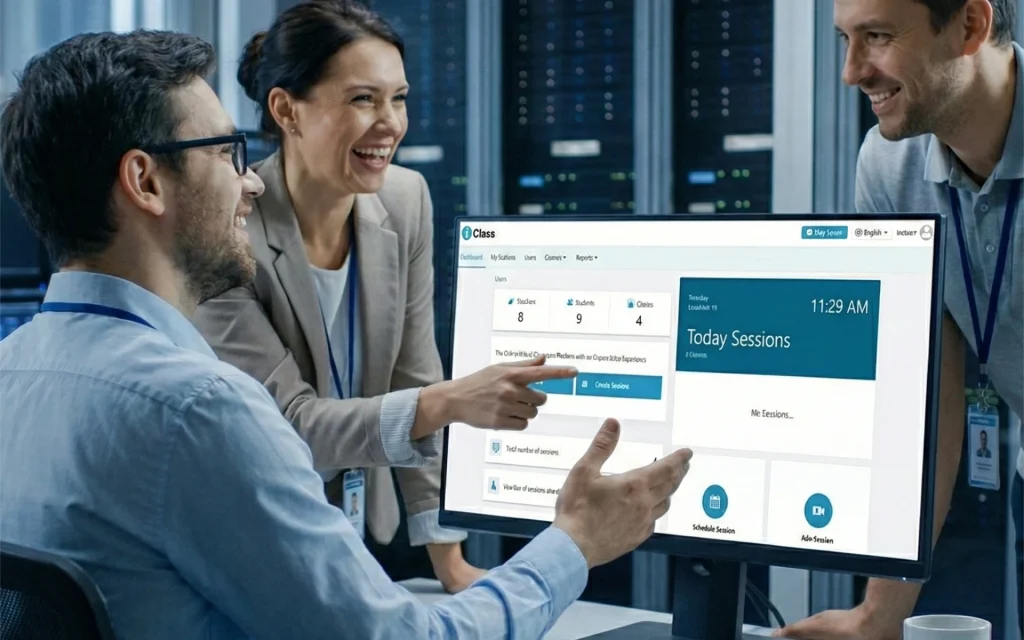
Data security is a non-negotiable requirement for modern schools. You cannot risk exposing student identities, home addresses, or test scores to external internet hackers.
Generic video tools often suffer from security flaws where uninvited guests can guess a meeting link and join a live class infinitely. Dedicated classroom platforms solve this by completely blocking public sign-ups. Only students whose accounts were manually generated by the school administrator can enter a classroom link.
Furthermore, schools must look for specific legal compliances when selecting a software vendor:
- AES 256-Bit Encryption: This mathematical protocol locks live video feeds and student records, scrambling the data so hackers cannot read it.
- CMMI Level 3 Rating: This certification proves that the software vendor follows mature, audited, and strictly engineered coding practices to prevent bugs.
- GDPR & SOC2 Compliance: These global legal frameworks ensure the software respects personal data privacy rights and passes regular external security audits.
Need help implementing this strategy in your workplace? Reach out to our experts.
Frequently Asked Questions
What is classroom management software?
It is a comprehensive digital platform that helps schools run live virtual lessons, automatically track student attendance, distribute learning materials safely, and manage student grades from a single dashboard.
How to transition a traditional school to a virtual classroom?
An administrator creates a dedicated digital school domain. They upload the master student list via a spreadsheet, map out the required subjects for each grade, and issue secure login details to the staff so teachers can begin hosting scheduled live video classes.
Why is data encryption vital for online schools?
Encryption acts as an advanced digital lock. Using standards like AES 256-bit encryption ensures that student profiles, live camera feeds, and exam scores are kept safe from unauthorized access on the public internet.
Leave a Reply